
Palettes and Swatches
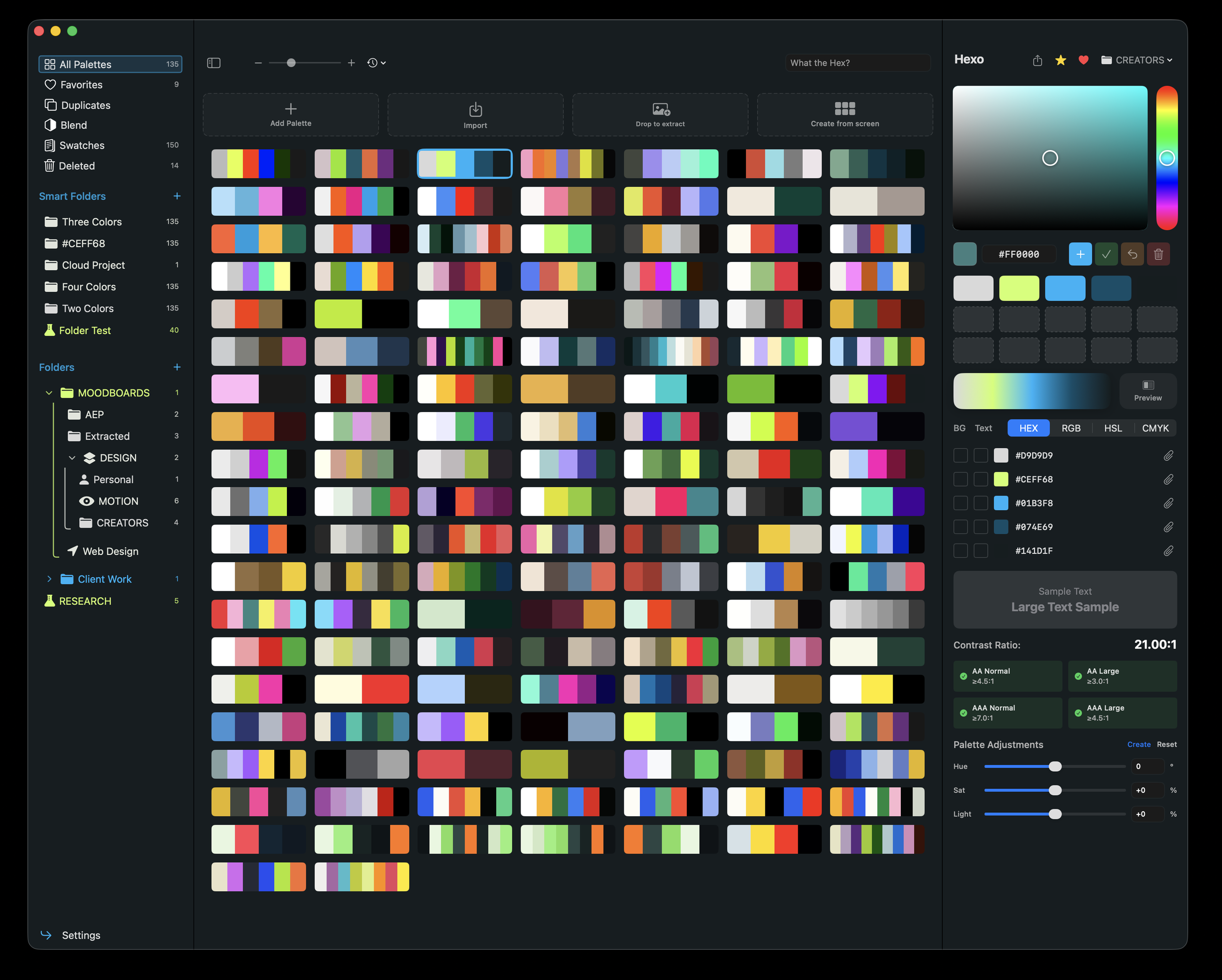
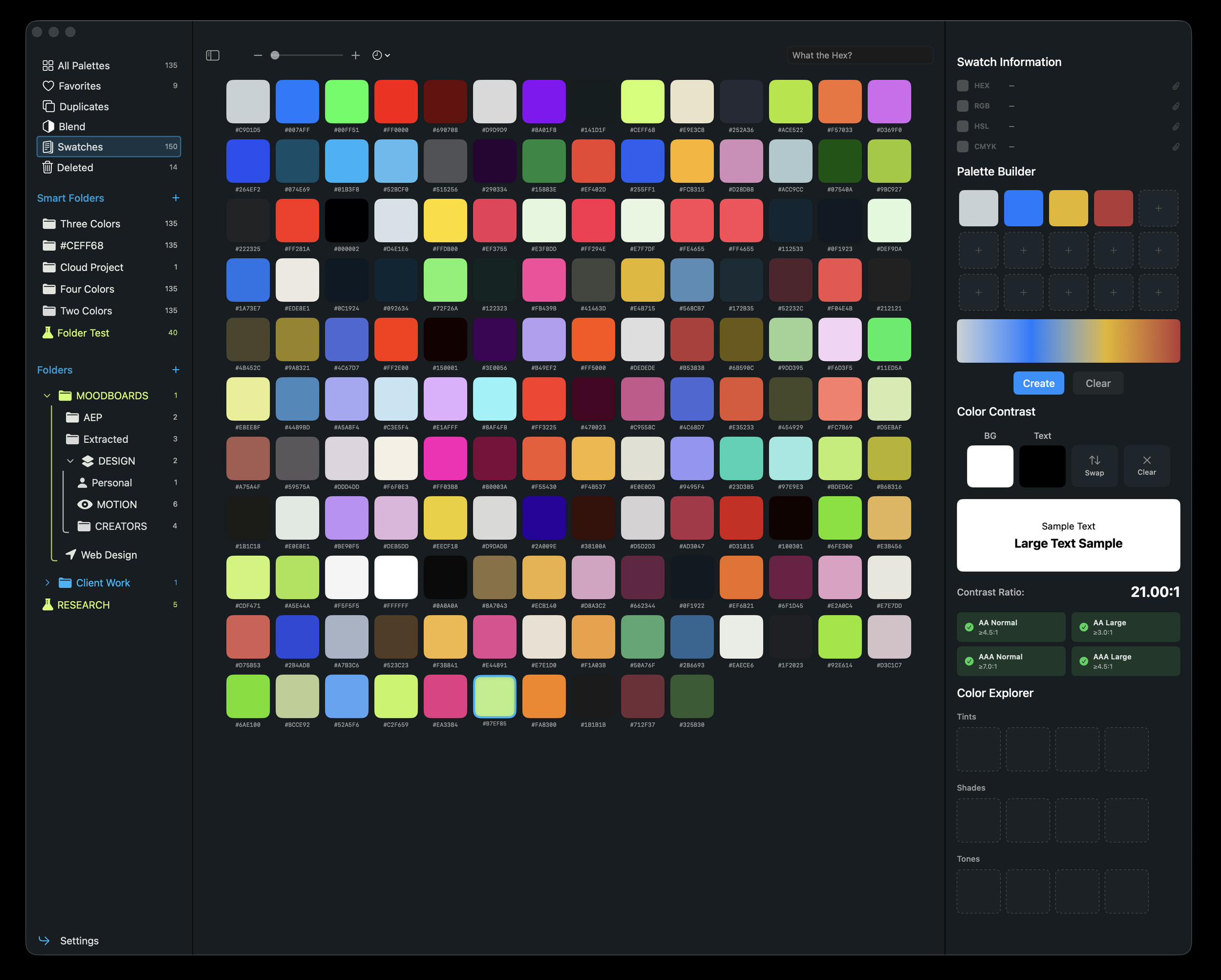
Create Palettes and keep all of the colors you pick from screen in a one single place, at last.
Harmony and Blend Modes
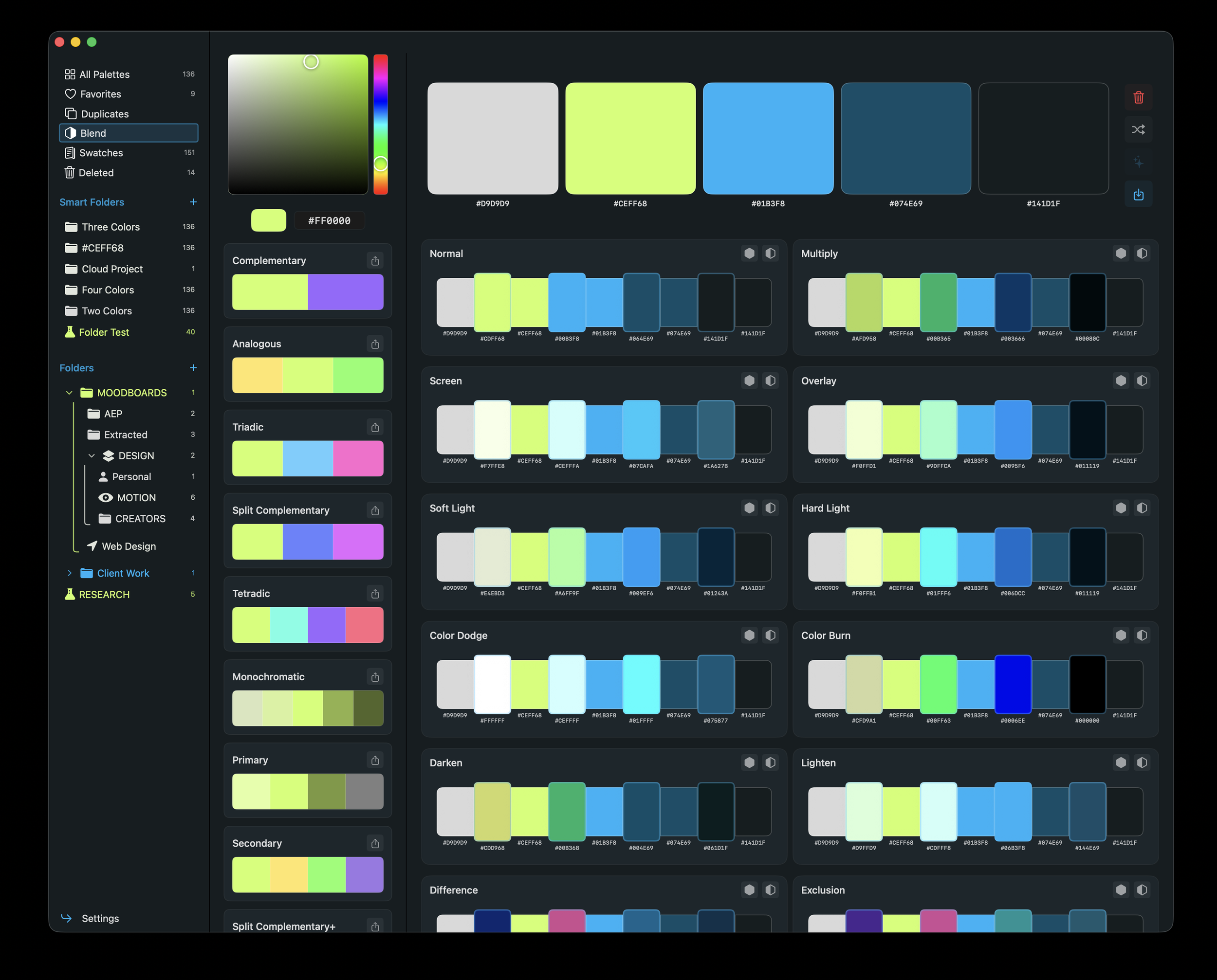
Check your swatches blend modes and see how their harmony looks like. Be in control of every hex from start to finish.

Hex Tools
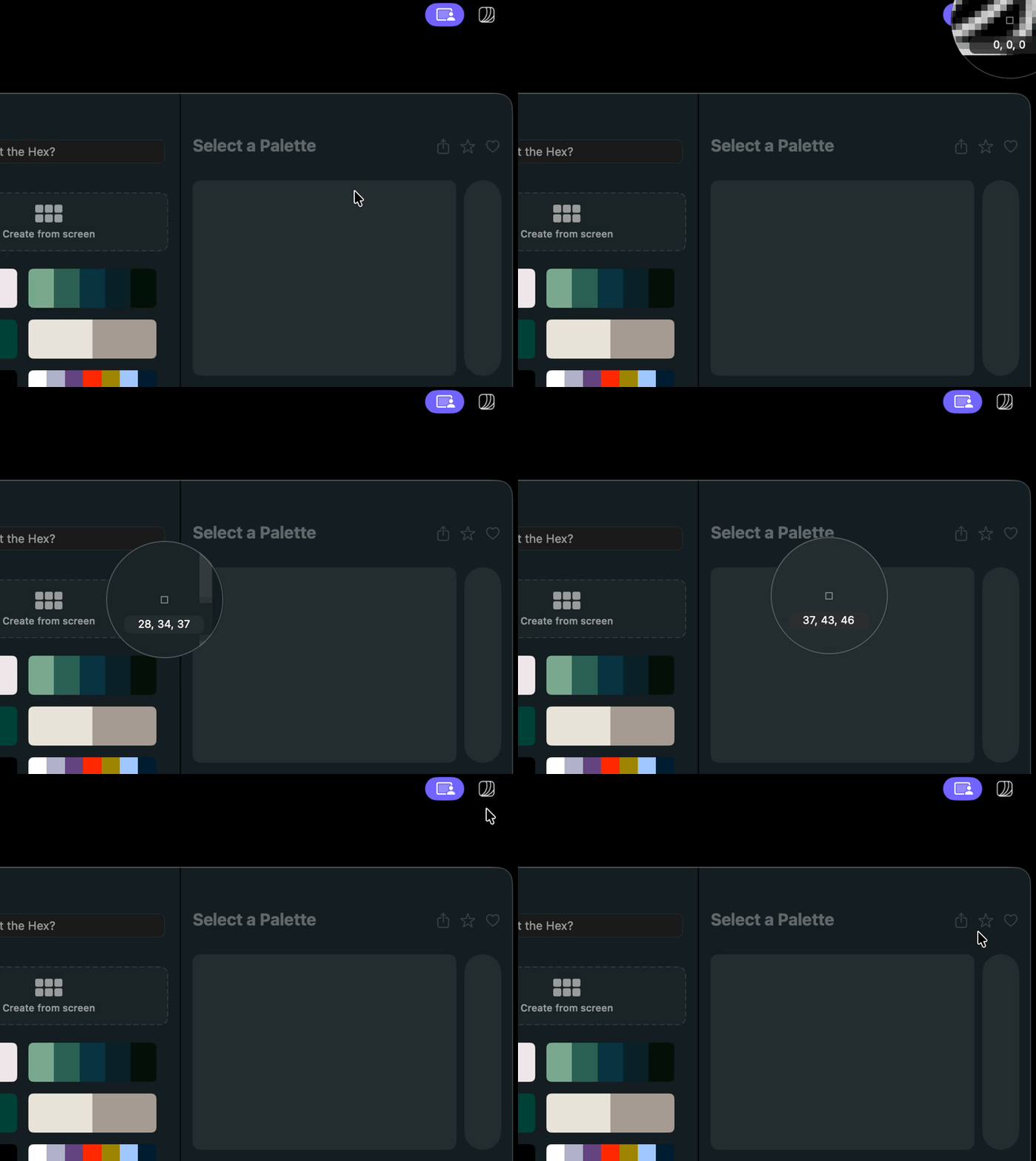
Pick Colors
Pick Colors from screen. Anywhere you are. Either from Menu bar or a Shortcut.
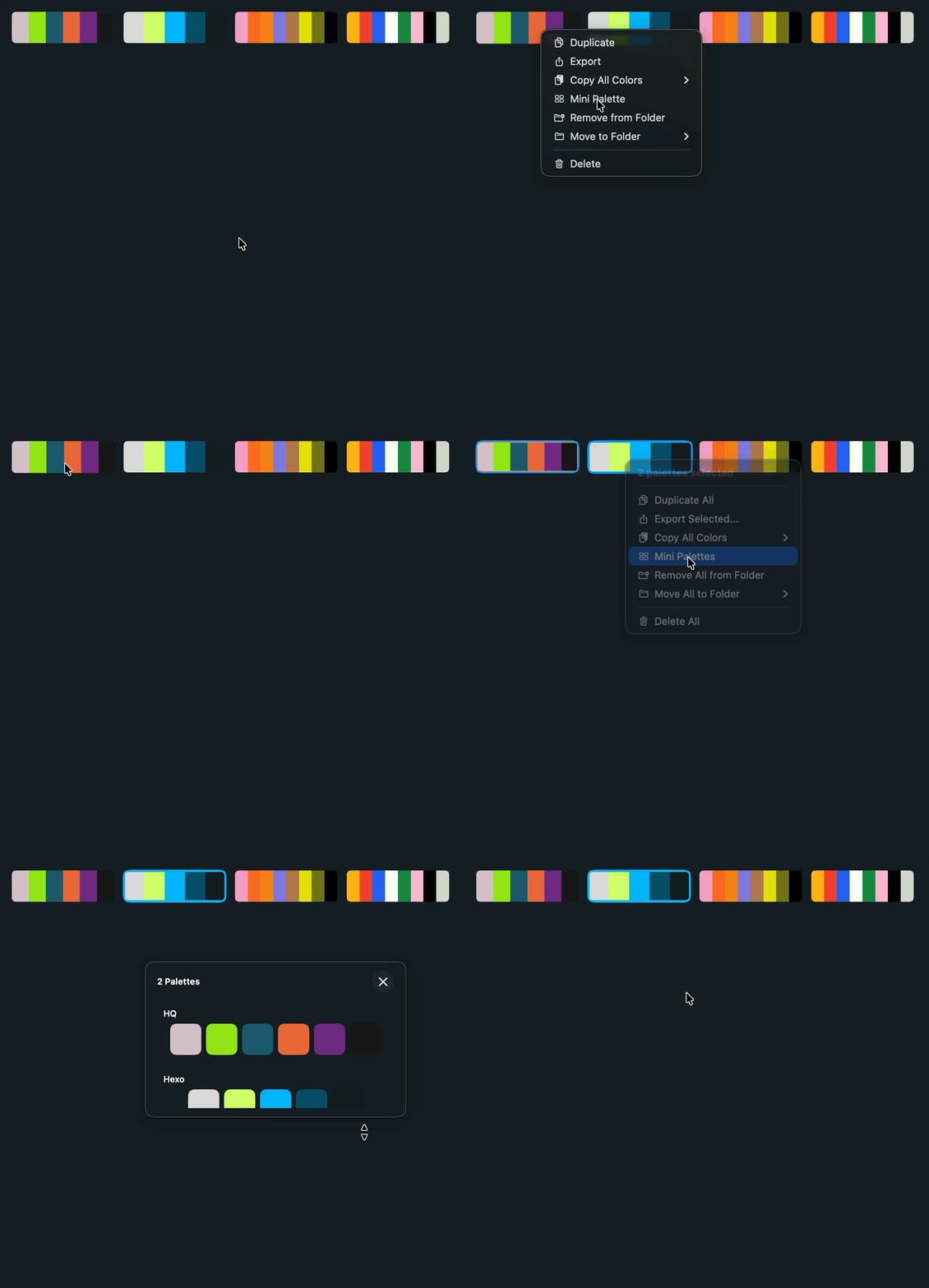
Mini Palettes
You can make Palettes follow you across desktops. Click on any swatch to copy hex codes.
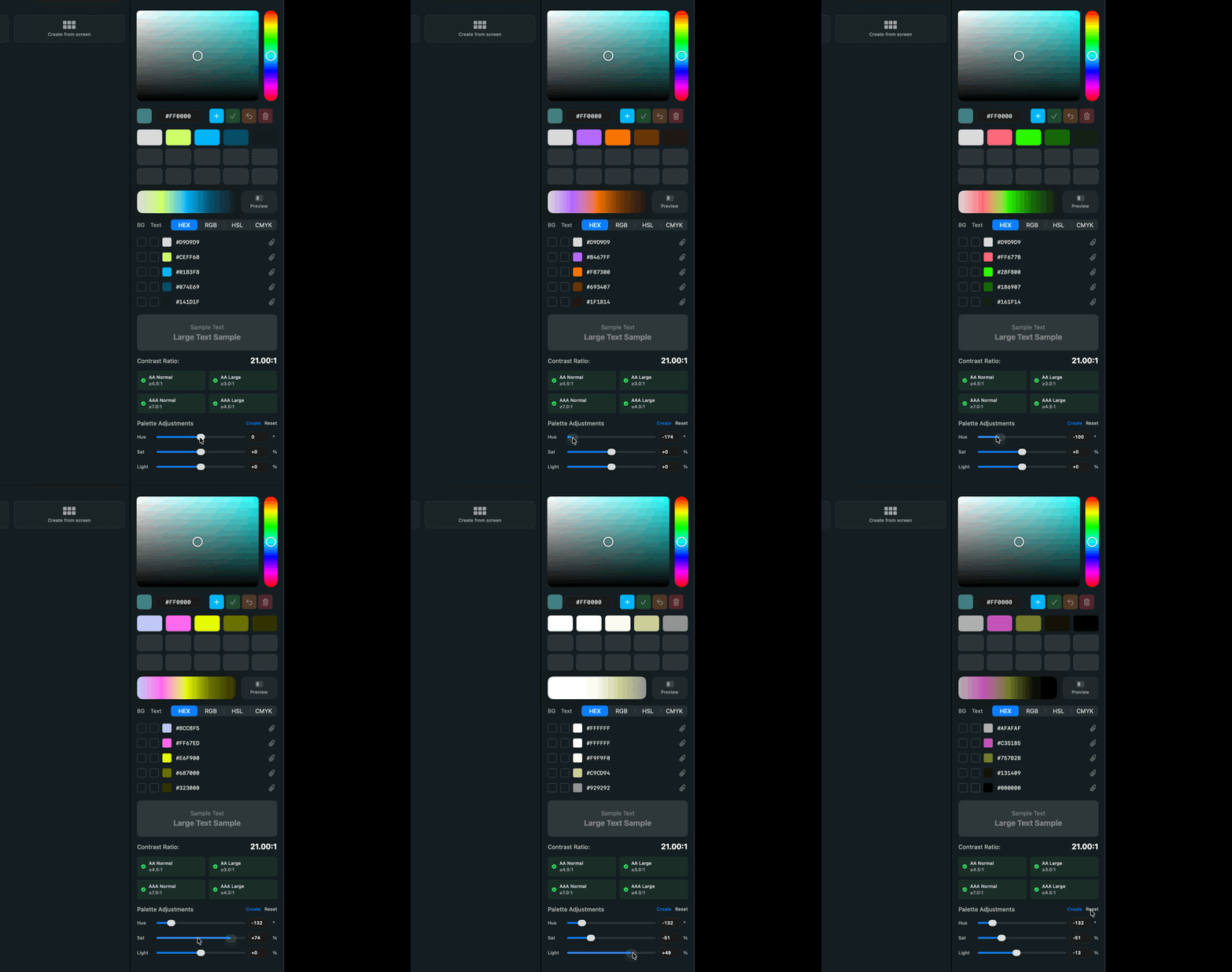
HSL Edit Palettes
Change the Hue, Saturation or Light of your Palette to create new ones.
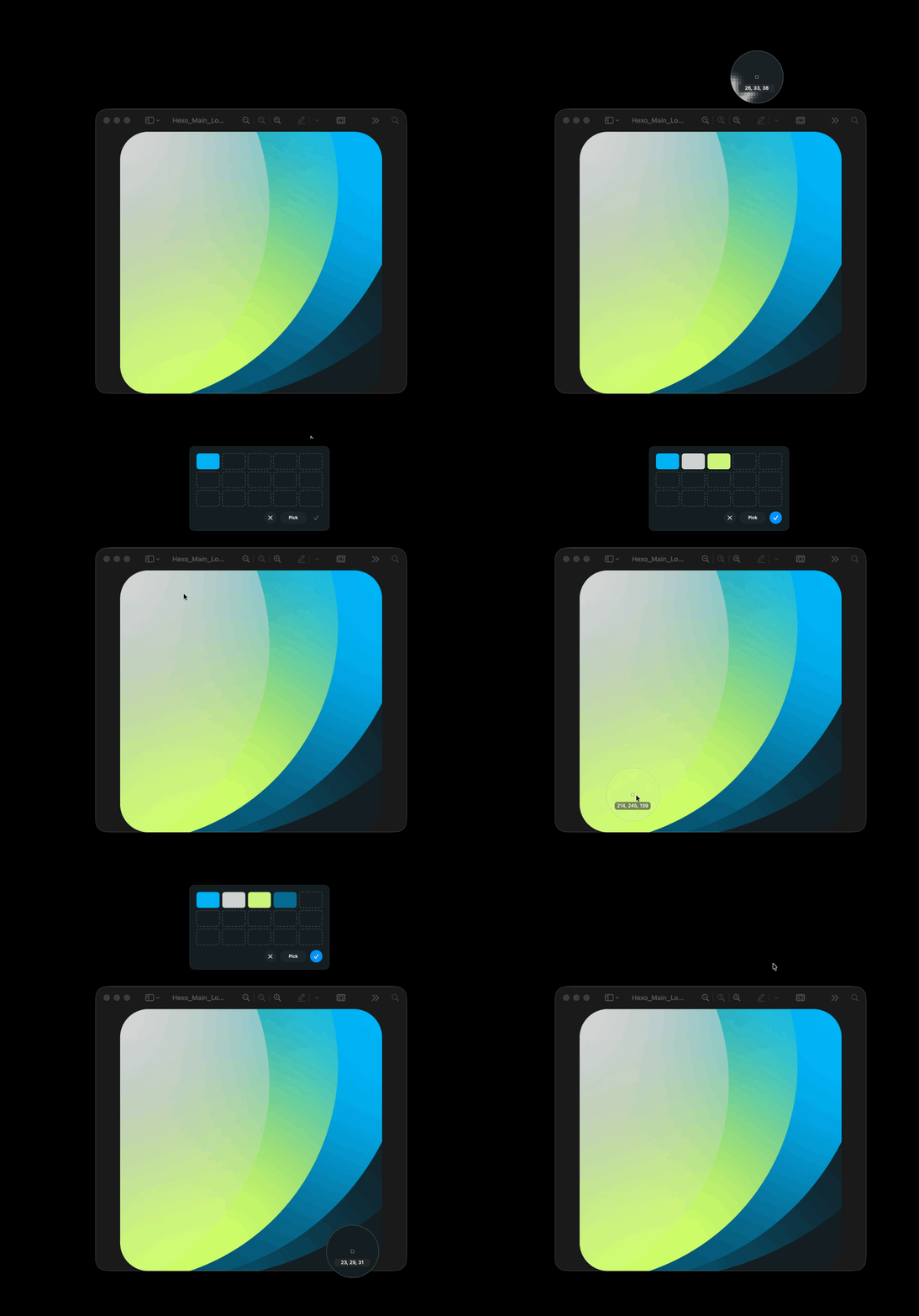
Extract Palettes From Screen
Create Palettes on the fly without needing to open any app million times.
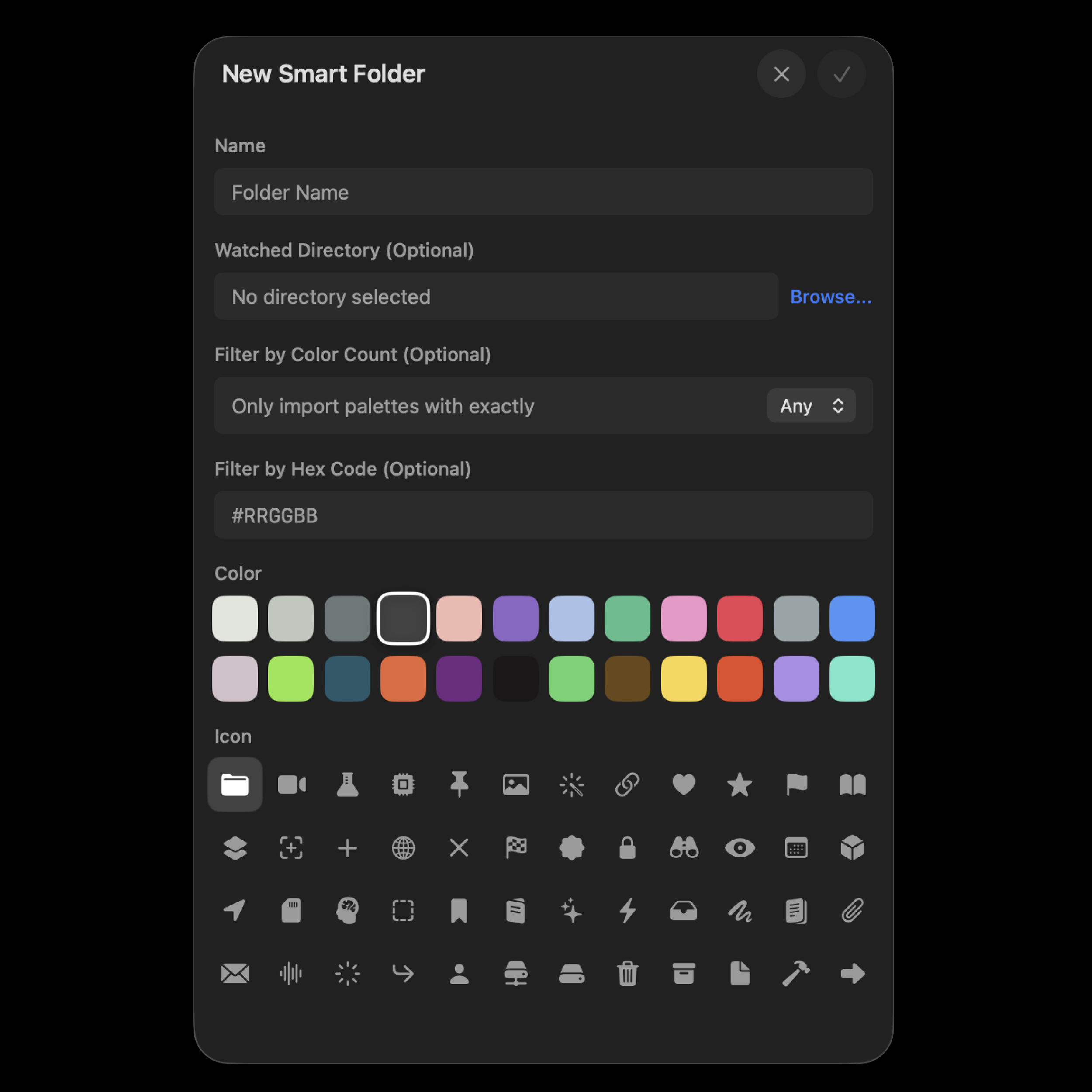
Create Smart Folders
Filter Folders by Colors Count, Hex codes or a specific folder in your machine.
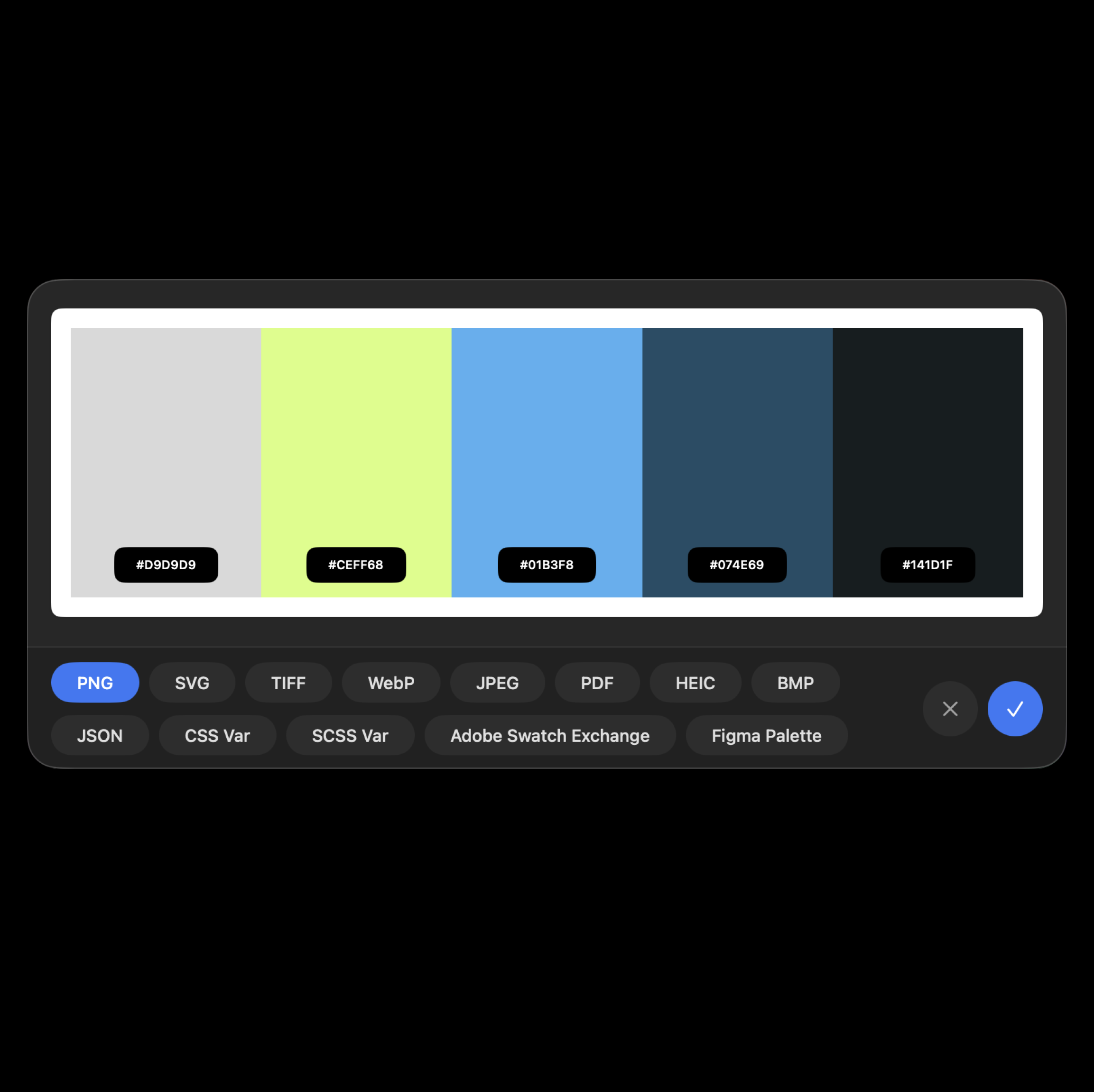
Export and Import
Your Palettes to any format either importing them into Hexo or outside. Everyone will have the same hex codes.
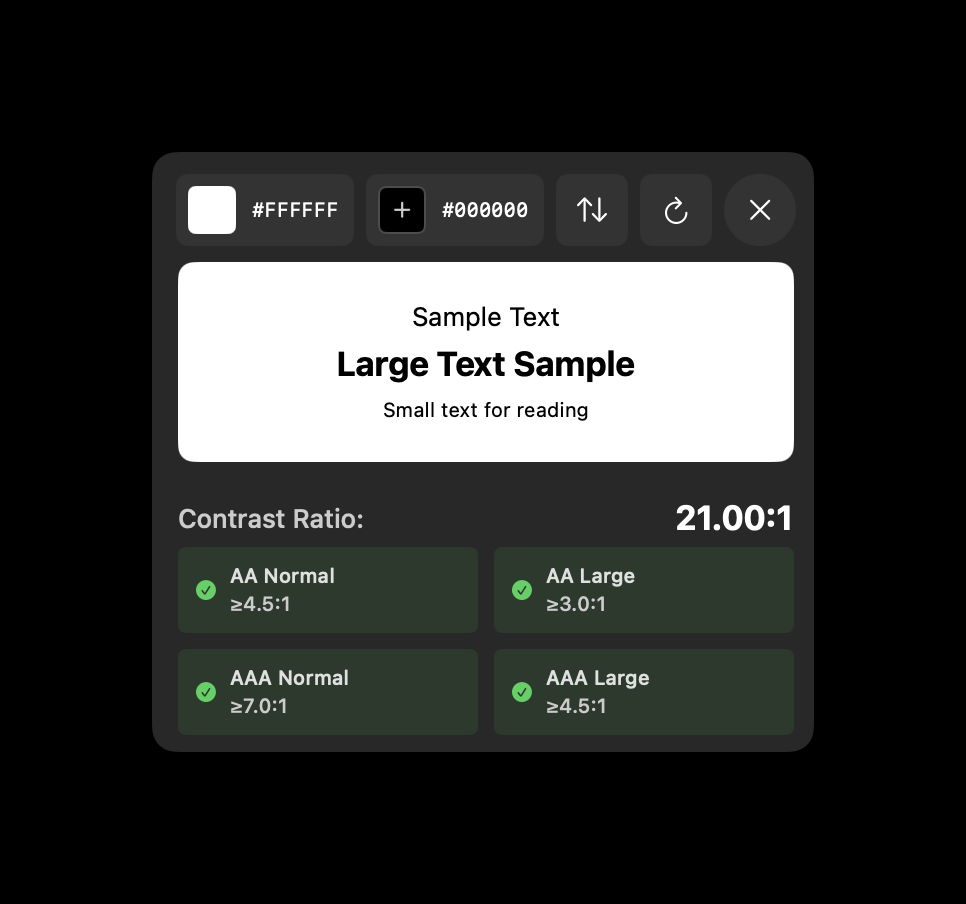
Check Web Color Contrast
Make sure your colors are AA or AAA Approved Colors for Web.
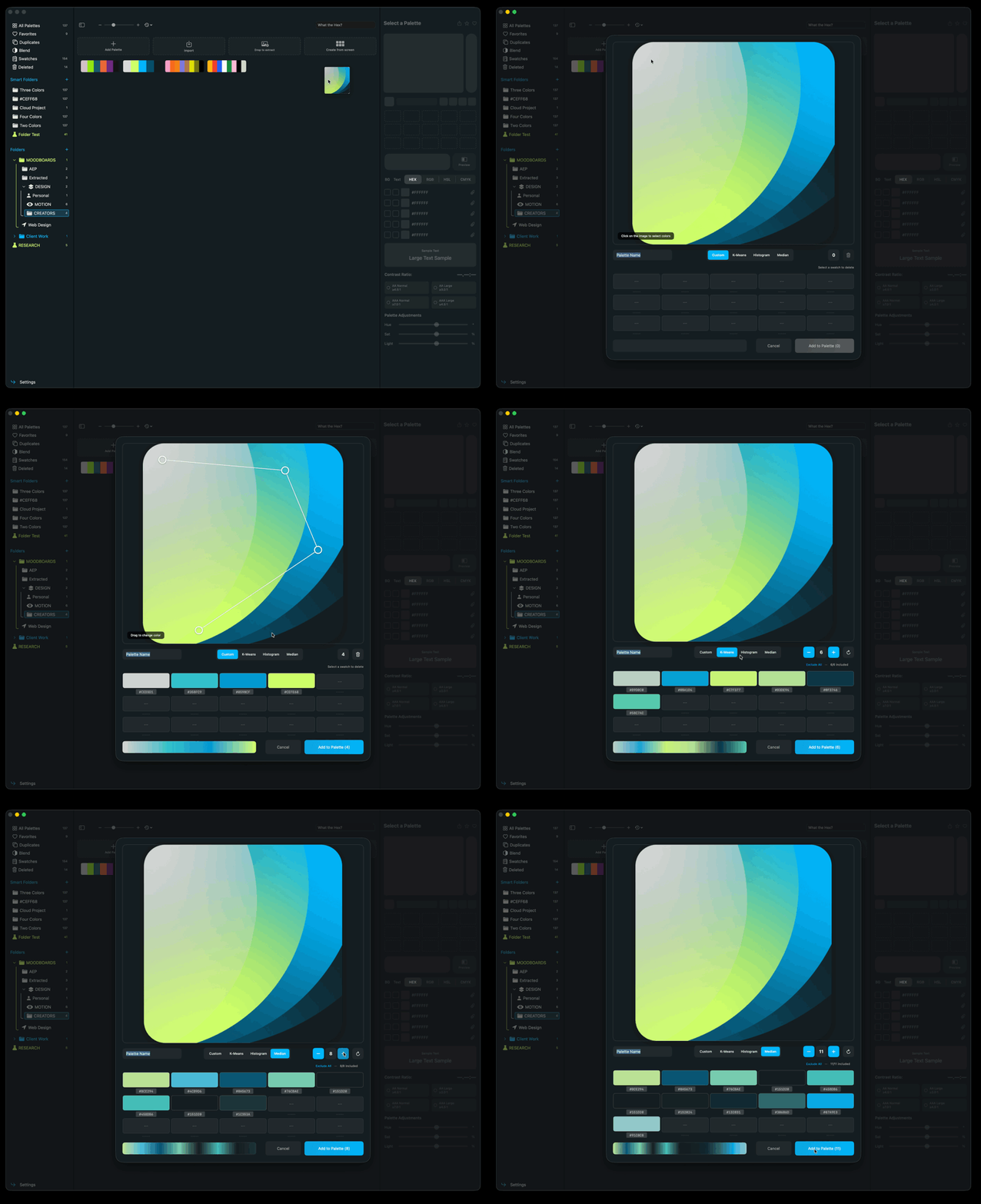
Drop to Extract
Drag and drop an image to extract it’s colors into a palette. Either Custom or using pre built filters.
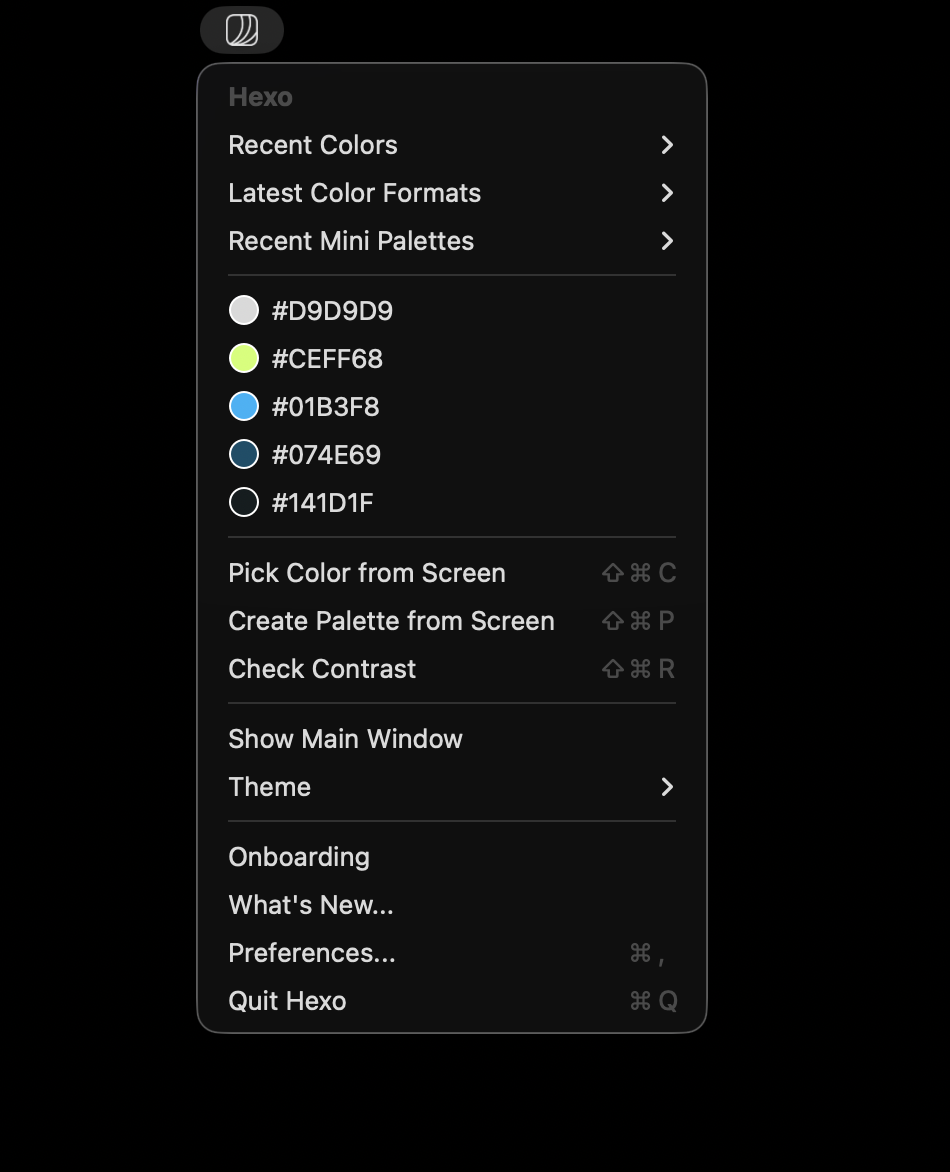
Menu Bar helper
Keep your favorite Palettes, mini Palettes and Recently Picked Swatches ready to be copied close + more functionalities from the mentioned.
Shortcuts
No need to move your hands away from your keyboard.
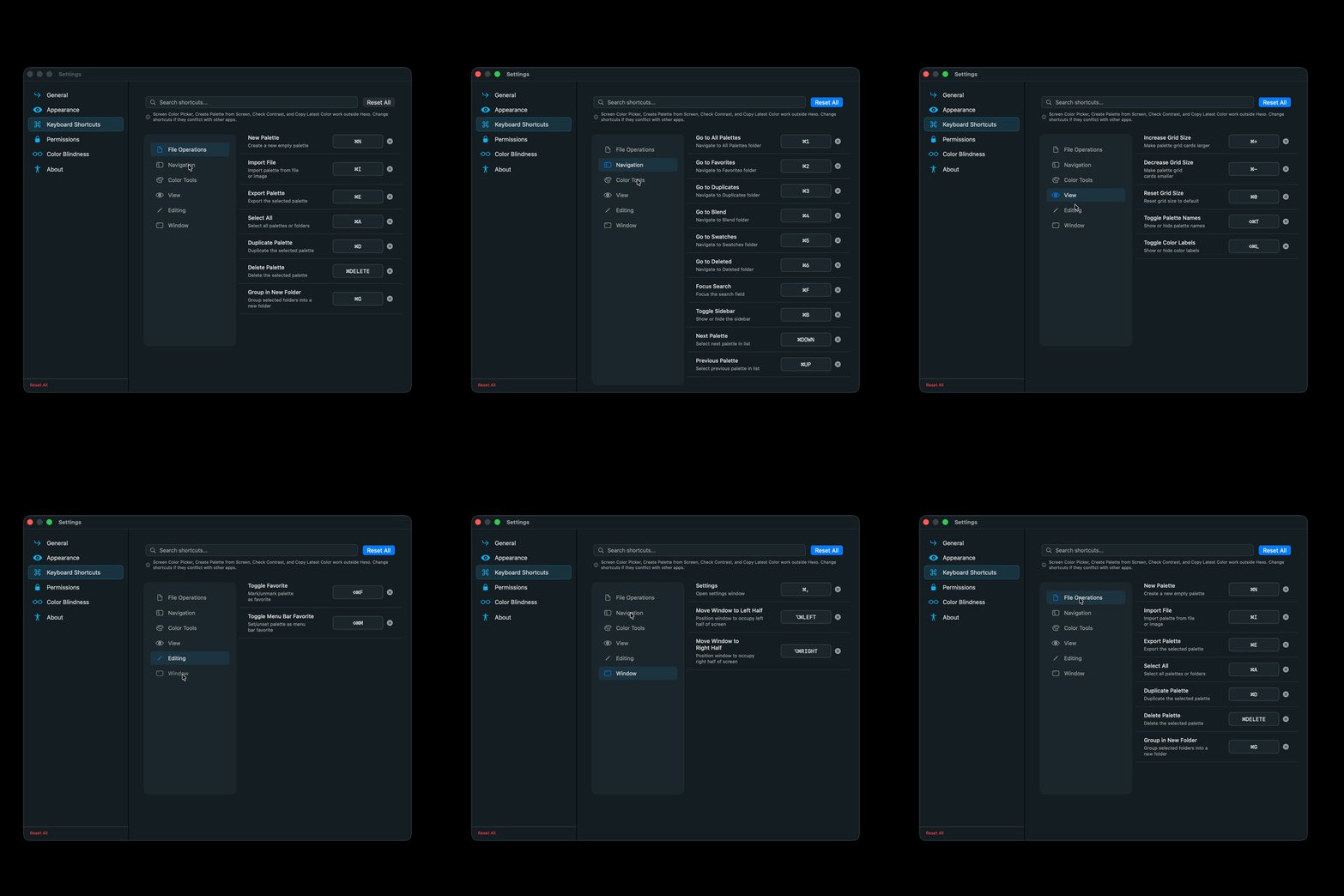
Customize. Everything.
Check your swatches blend modes and see how their harmony looks like. Be in control of every hex from start to finish.
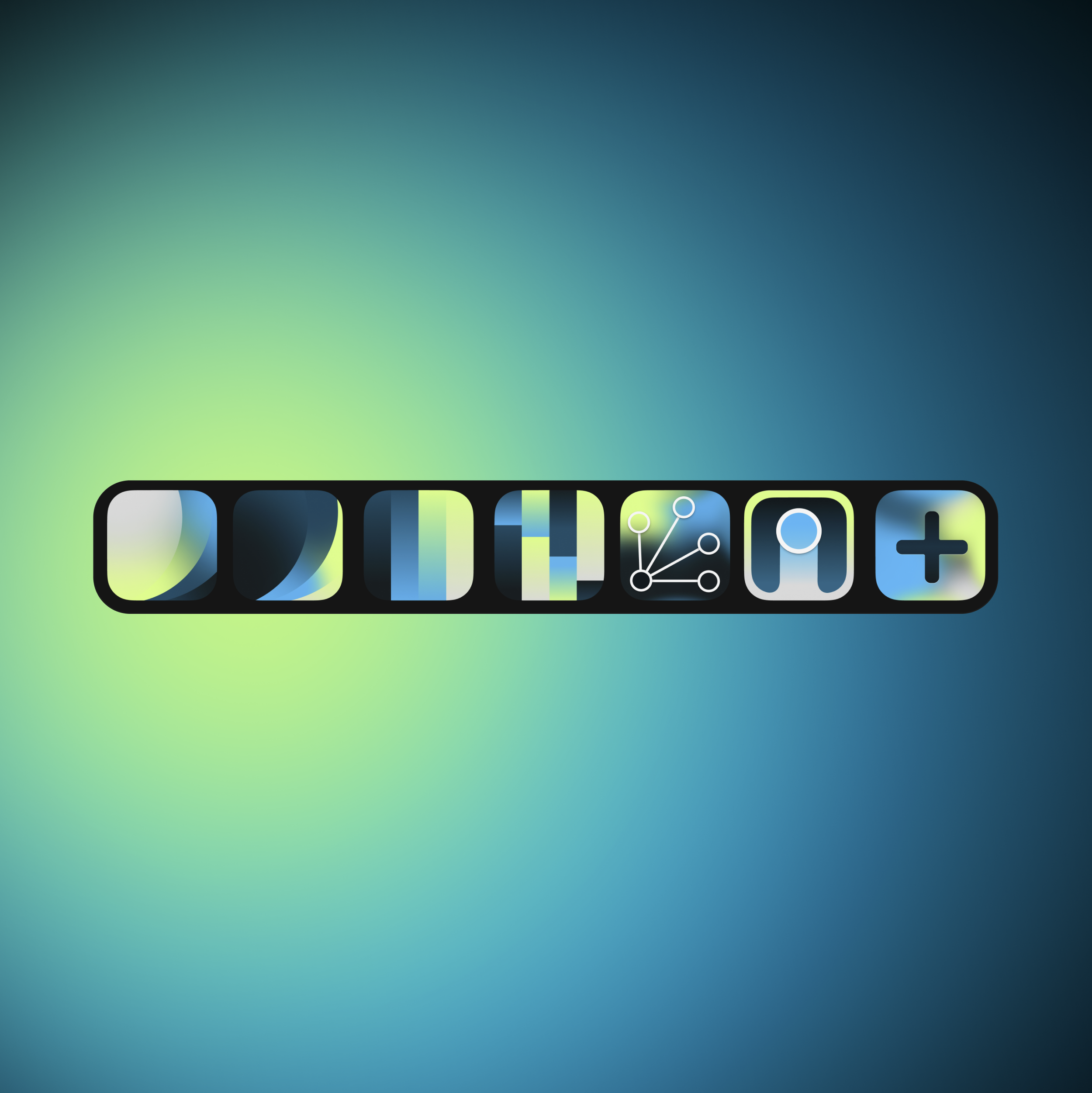
App Icon
Pick from different app icons. One for each day of the week?
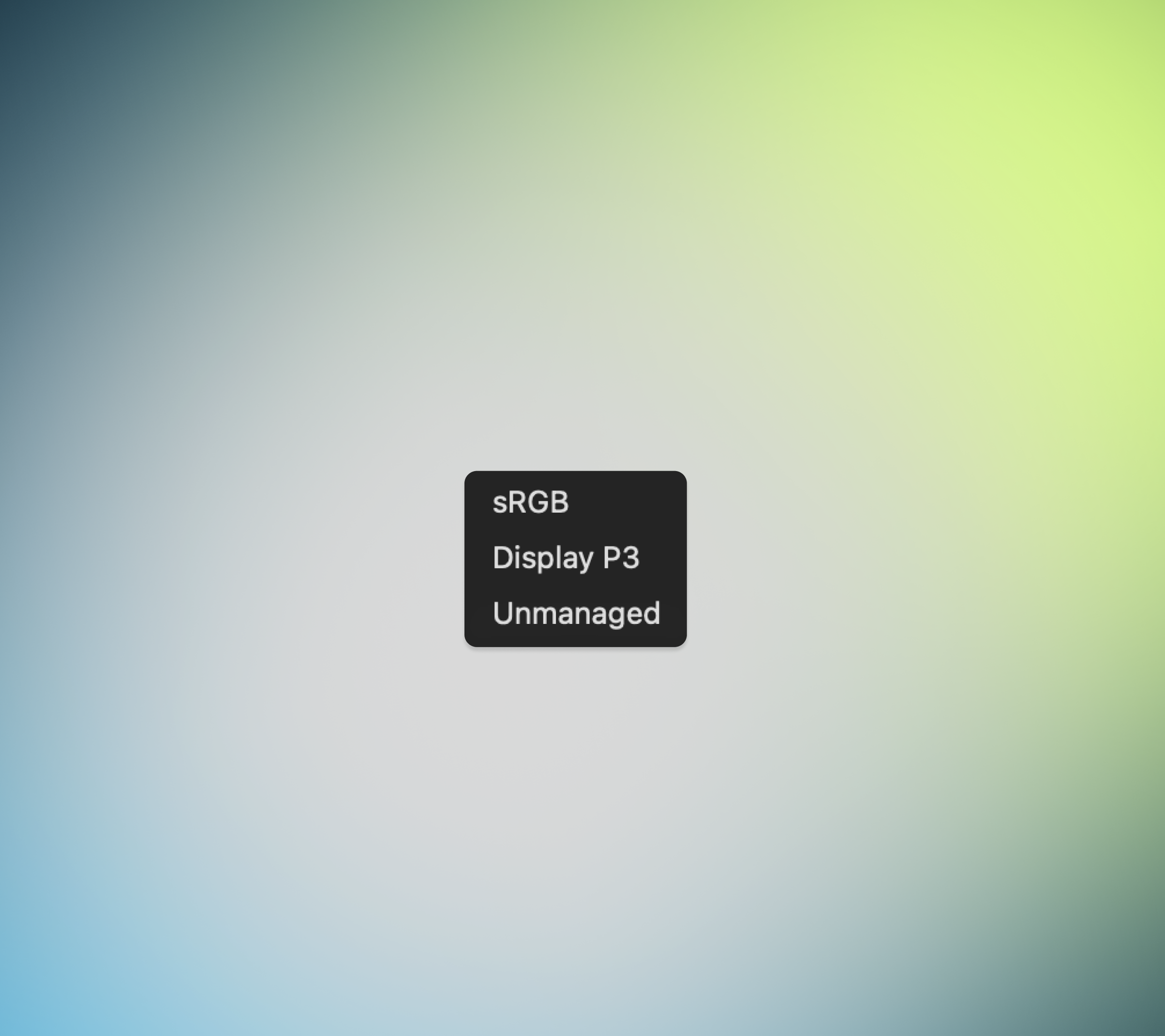
Color Space Control
Unmanaged.
App Theme
Light / Dark / Hexo Mode. You Choose (I use Hexo Blue)
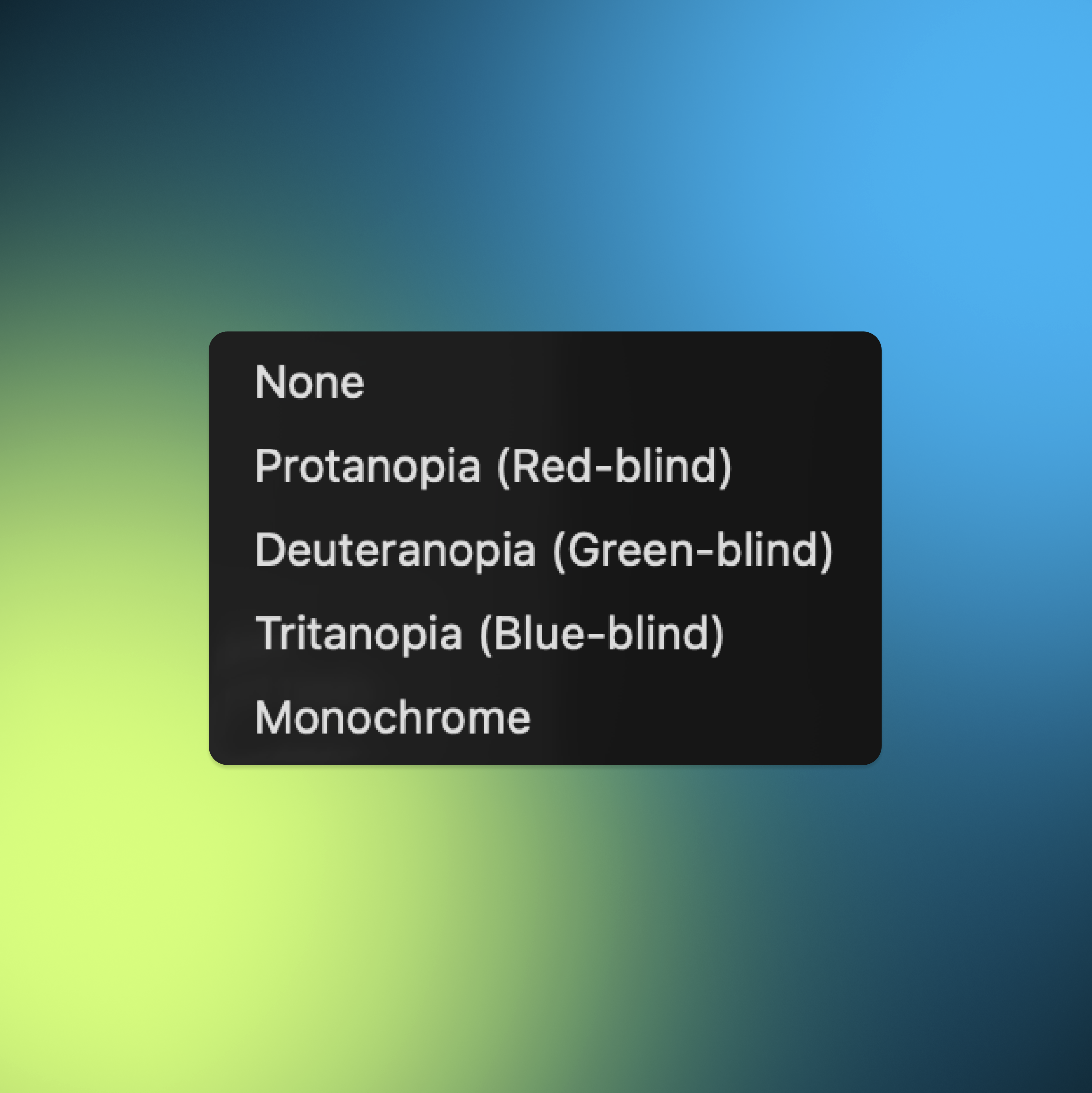
Color Blind Simulation
Check your Eyes before you check your Swatches.
One More Thing
Copy all Hex Codes in one
Copy all RGB, Hex, HSL or CMYK codes right into your clipboard
Check Duplicates
Check duplicated palettes before deleting or editing.
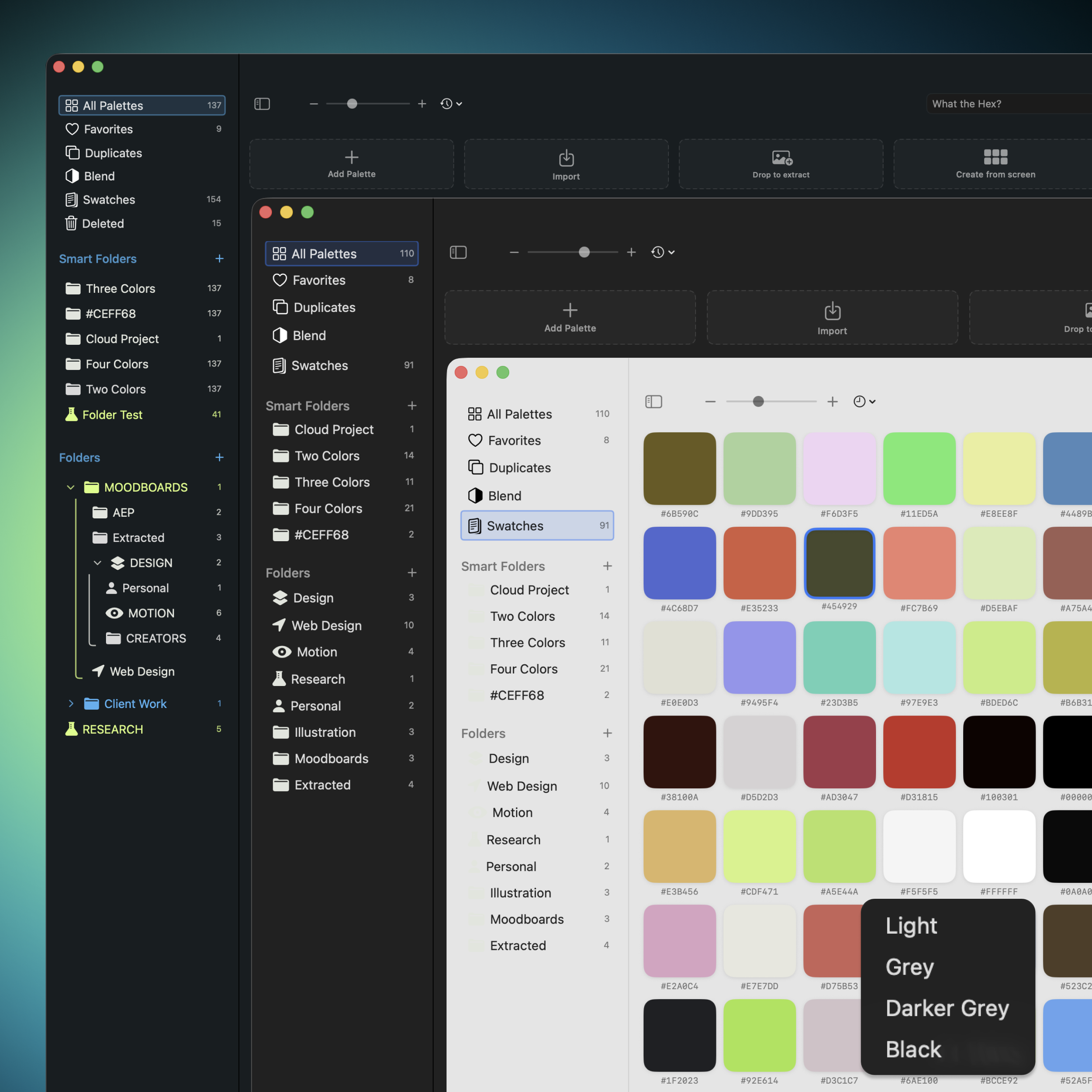
Add CMYK Color Test
Toggle in Settings the CMYK Preview for Color Swatches in your sidebar.
Check Deleted Folders
Check your Deleted Folder. You never know when you need the deleted to be resurrected.

I’ll try and get as many bugs and issues I can for as long as I can.
Thank you and go create some palettes please
Yours. Forever.